2
decision categories
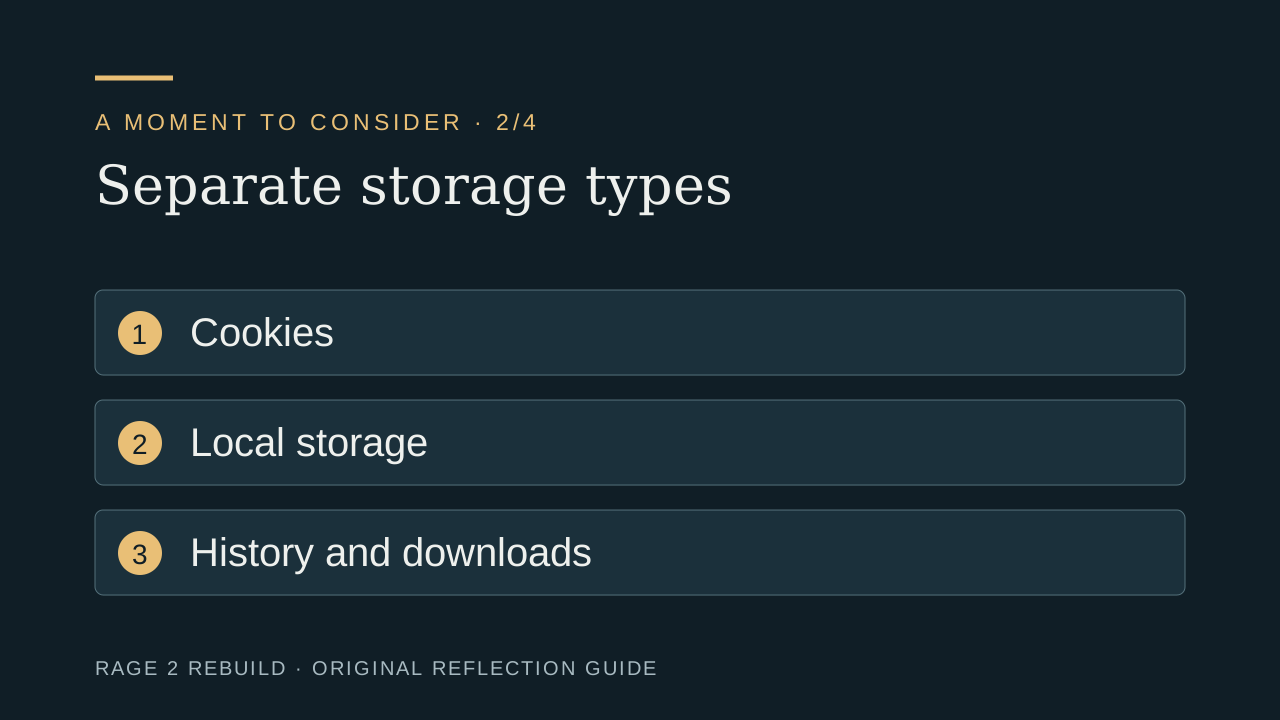
Necessary functionality and optional measurement should be explained separately.
What cookies we use and why.
Last updated: July 31, 2026
Cookies are small text files that are placed on your device (computer, tablet, or mobile) when you visit a website. They are widely used to make websites work more efficiently, remember your preferences, and provide information to site owners. Cookies can be "session" cookies, which are deleted when you close your browser, or "persistent" cookies, which remain on your device for a set period or until you delete them.
The Site stores one first-party preference cookie after you accept or decline optional analytics. Core pages do not require you to accept analytics.
| Cookie | Purpose | Duration |
|---|---|---|
| r2r_analytics_consent | Remembers whether you accepted or declined Google Analytics and Microsoft Clarity | 180 days |
This preference prevents the choice panel from appearing on every page. You can change the choice with the persistent “Cookie settings” button.
Google Analytics (measurement ID: G-YM6MEHNVV6) and Microsoft Clarity (project ID: ykhsweib4t) load only after you select “Accept analytics.” If you decline, their scripts are not loaded by the Site. If accepted, they may set analytics cookies and process usage information such as pages viewed, clicks, scrolling, session timing, device characteristics, approximate location, and referral source.
| Cookie | Purpose | Duration |
|---|---|---|
| _ga | Distinguishes unique users by assigning a randomly generated ID | 2 years |
| _ga_YM6MEHNVV6 | Maintains session state for Google Analytics 4 | 2 years |
| _gid | Distinguishes unique users for a 24-hour period | 24 hours |
| _clck | Persists a Microsoft Clarity visitor identifier and preferences for this site | 1 year |
| _clsk | Connects page views into a Microsoft Clarity session | 1 day |
Use the Site's “Cookie settings” button to withdraw your choice. The Site then disables analytics collection and removes the common first-party analytics cookies it can access. You can also install the Google Analytics Opt-out Browser Add-on.
These cookies are used to remember your preferences and enhance your experience on the Site.
| Cookie | Purpose | Duration |
|---|---|---|
| googtrans | Stores your selected language preference for Google Translate | Session |
This cookie is only set when you use the language translation feature to view the Site in a language other than English.
The reviewed source does not load Facebook Pixel, an advertising or retargeting tag, or social-media tracking pixels. The consent component does not use localStorage or sessionStorage. Google Analytics and Microsoft Clarity are used for site measurement only after acceptance, not configured here as advertising pixels.
Most web browsers allow you to control cookies through their settings. You can typically find cookie management options in your browser's "Settings," "Preferences," or "Privacy" menu. Common options include:
For specific instructions, refer to your browser's help documentation:
Declining analytics does not prevent use of the public pages, tools, or contact form. Blocking the Google Translate cookie may prevent the translation feature from remembering your preference. Blocking the analytics-choice cookie may cause the choice panel to reappear.
We may update this Cookie Policy from time to time. When we make changes, we will update the "Last updated" date at the top of this page. We encourage you to review this policy periodically to stay informed about how we use cookies.
If you have any questions about our use of cookies, please contact us at info@rage2rebuild.com or through our contact page. For more details on how we handle personal data, see our Privacy Policy.
Consent and storage · Reviewed August 2026
The cookie notice should explain categories, purposes, choices, and consequences in plain language. Necessary storage supports site functions. Optional analytics should depend on the consent behavior described by the live implementation. This page cannot promise how unrelated third-party sites handle data.
2
Necessary functionality and optional measurement should be explained separately.
1
Visitors should be able to revisit optional consent when the interface supports it.
0
A clear consent interface should not portray inaction as an informed choice.

Orientation
A simplified explanation of the site consent flow.
Evidence
Categories should describe purpose clearly.
Decision
Available controls must match actual implementation.
Action
Policy text must follow implementation.
Browser-only planning tool
Check whether the explanation answers four practical questions rather than only listing technical names.
Browser settings, private-browsing modes, content blockers, and stored preferences can change whether optional scripts run or whether a choice persists. If you clear site data, change browsers, use another device, or block storage globally, the site may need to ask again or may be unable to remember a preference. That is a browser and implementation consequence, not evidence that a visitor agreed to optional measurement.
For the most reliable check, compare the category description with the live consent control and the privacy notice. If the interface says optional analytics can be declined, declining should not prevent access to ordinary educational content. If a provider, purpose, or retention practice changes, the public explanation should be revised instead of relying on an older policy paragraph.
Original page video
A cookie name tells you almost nothing unless the site explains its purpose.
Synthetic narration and original editorial graphics. No client, therapist, religious group, or documented event is depicted.
Private check-in
Nothing is submitted. This page does not invent vote counts or claim that other visitors answered.
Readiness tool
0 of 4 foundations in place
Choose the statements that are already true for you.
This planning aid is not a safety, legal, medical, or clinical assessment.
Named sources
Federal Trade Commission
Business guidance used to explain data minimization and honest privacy representations.
Editorial review: August 1, 2026. Hours, laws, credentials, costs, services, and availability can change; verify them directly.