1
clear question
A defined decision is easier to answer than a complete life history.
Tell me what you grew up in, what made you start questioning, and where you are now. Be as specific as you can — details matter more than polish. There is no wrong way to start this conversation.
Messages are reviewed when capacity allows. Response timing varies, and the form is not a crisis or real-time support channel.
info@rage2rebuild.com
Or use the form below.
No surprises. Here is what happens after you hit send.
Personally. Not a team, not an intern, not an AI summary. The full message lands in my inbox and I sit with it.
Usually within a day or two. I will tell you what I see, what I have been through that sounds related, and a question or two if it is useful. No script.
You decide whether the response is useful. A paid conversation option is separate and is not available unless current terms and scheduling are confirmed in writing.
The public contact form does not charge a fee. The paid outline is optional and requires confirmed terms before purchase.
A published offer outline, not an active checkout. Confirm price, scope, scheduling, communication limits, cancellation terms, and availability in writing before paying.
Start with the contact form. No payment should be sent until Elder X confirms that the service is available and provides the current written terms.
Ask About AvailabilityNot therapy, crisis support, medical care, or a guaranteed outcome.
Elder X is not a crisis hotline. If you are in immediate danger or experiencing a mental health emergency, please reach out to one of these now.
988 Suicide & Crisis Lifeline (US): Call or text 988
Crisis Text Line: Text HOME to 741741
Samaritans (UK / Ireland): Call 116 123
Emergency: Call 911 or local equivalent
If you would rather not use the form, write directly. Same inbox, same person reading.
Email: info@rage2rebuild.com
No. Elder X is not a licensed therapist, doctor, counselor, or any kind of religious leader. He is someone who walked away from strict religion, walked through severe mental illness in the aftermath, and rebuilt his life on his own terms. The advice he gives comes from that lived experience. If you need clinical care or pastoral counsel, this is not that. If you want an honest conversation with someone who has been through it, that is what this is.
No. Some people who reach out have been out for years. Some are publicly out but privately still wobbling. Some are still in the pew on Sunday and the doubts are getting louder every week. All of those are honest places to be having this conversation. There is no purity test for asking for help.
No. The specifics differ — leaving Catholicism, Mormonism, Evangelical Christianity, Islam, Orthodox Judaism, Jehovah’s Witnesses, or any other strict tradition all have their own particular pain. But the underlying experience — family rupture, identity collapse, guilt that lingers, the loneliness of losing a built-in community — is shared. Tell me what you grew up in. We can take it from there.
Response timing varies. This is not a real-time or crisis service. If you are in immediate danger, use local emergency services; in the U.S., call or text 988. Confirm current crisis routes in other countries.
Contact-form content is used to review and respond to the inquiry and is handled as described in the Privacy Policy . The scenario page contains disclosed fictional composites, not disguised testimonials or accounts of submitted messages.
The public website, planning tools, and contact form do not charge a fee. A paid conversation outline is listed separately, but price, availability, scope, communication limits, and cancellation terms must be confirmed before payment.
Whatever is true. You do not need to have it figured out, you do not need the right vocabulary, and you do not need to make it sound impressive. Useful things to include if they apply: what tradition you were raised in, when you started questioning, what your family situation is now, what you are most stuck on. But honestly — just write what is on your mind. We will go from there.
The protocol, public site, and contact form do not charge a fee. Reach out when it makes sense for you.
Pause, look, and use something
Long explanations are easier to use when they are interrupted by evidence, a visual reset, a decision, and a tool. This section turns the topic into a private action plan without presenting generated media as a real person, place, or testimonial.
4
Original visual directions attached to this topic; not claimed as documentary evidence.
3
Topic-specific ideas plus links to an independent curated resource library.
0
The check-in below is private and does not pretend to represent other visitors.

Quick perspective
A page can be long and still feel thin when every paragraph asks the reader to do the same thing. Useful depth comes from different jobs: explain, show, compare, help decide, and make the next action easier.
Questions this page can turn into content
Watch from a named source
Videos and readings for understanding religious trauma without treating a web page as diagnosis.
Recovering from Religion resource library ↗
A sourced collection for examining belief changes, uncertainty, and life after certainty.
Recovering from Religion resource library ↗
Private check-in
Nothing is submitted. This page does not invent vote counts or claim that other visitors answered.
Readiness tool
0 of 4 foundations in place
Choose the statements that are already true for you.
This planning aid is not a safety, legal, medical, or clinical assessment.
Safer contact guide · Reviewed August 2026
Use the form for a bounded, non-emergency question about lived experience or practical planning. Share only the information needed to understand the decision. Do not send passwords, identification numbers, medical records, legal files, payment data, or another person’s private information.
1
A defined decision is easier to answer than a complete life history.
0
Passwords, financial details, and identity numbers are never needed for a general inquiry.
4
Crisis, medical, legal, and immediate-safety needs require appropriate local services.
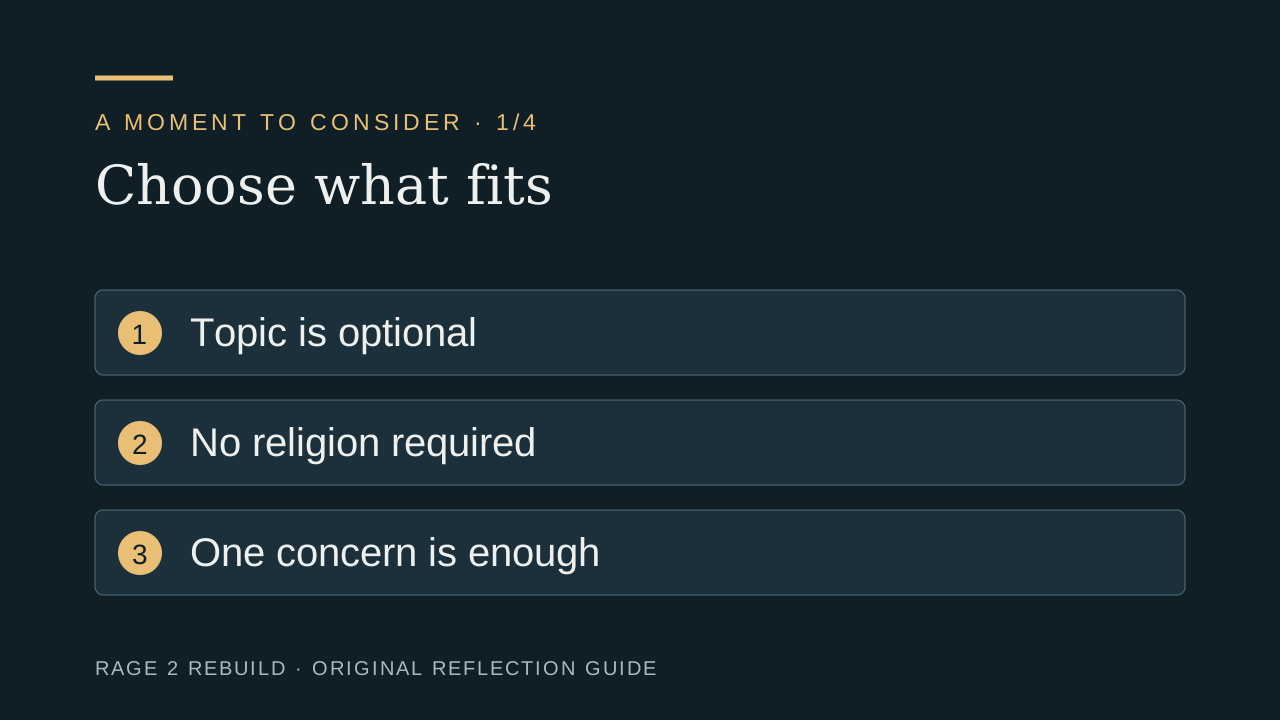
Orientation
Four ingredients for a useful non-clinical question.
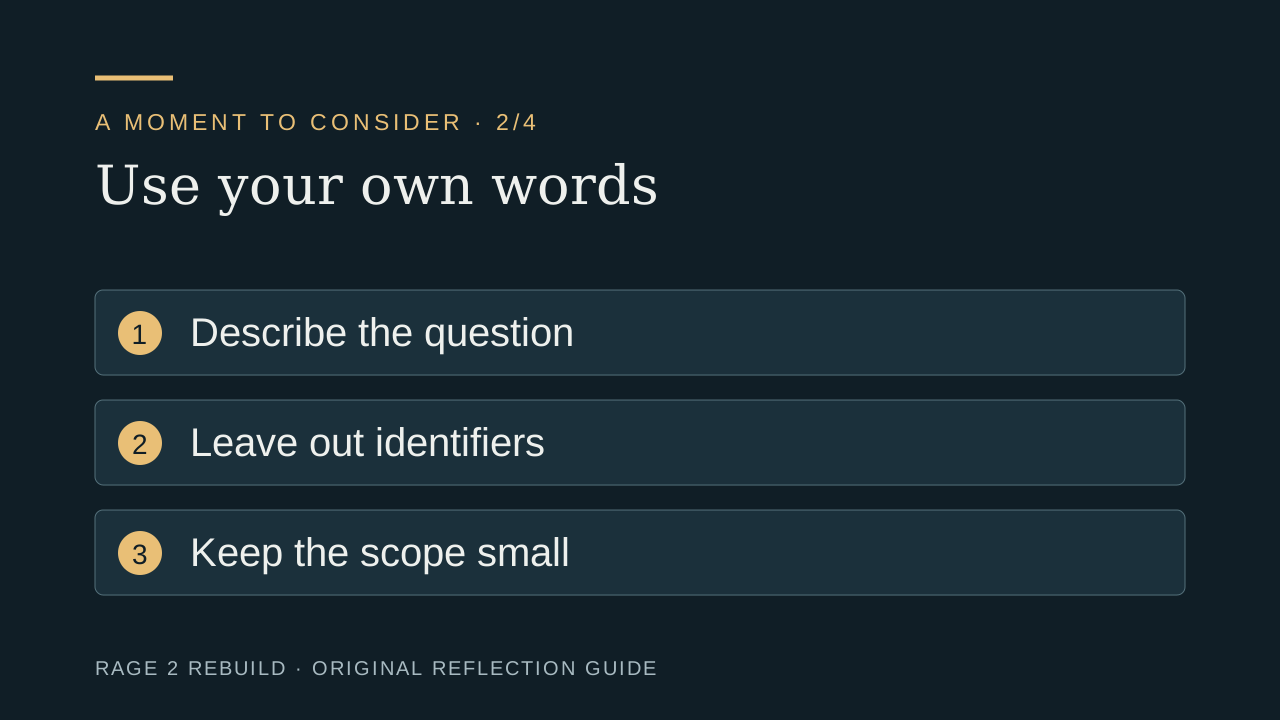
Evidence
Aligned with the principle of collecting only what is needed.
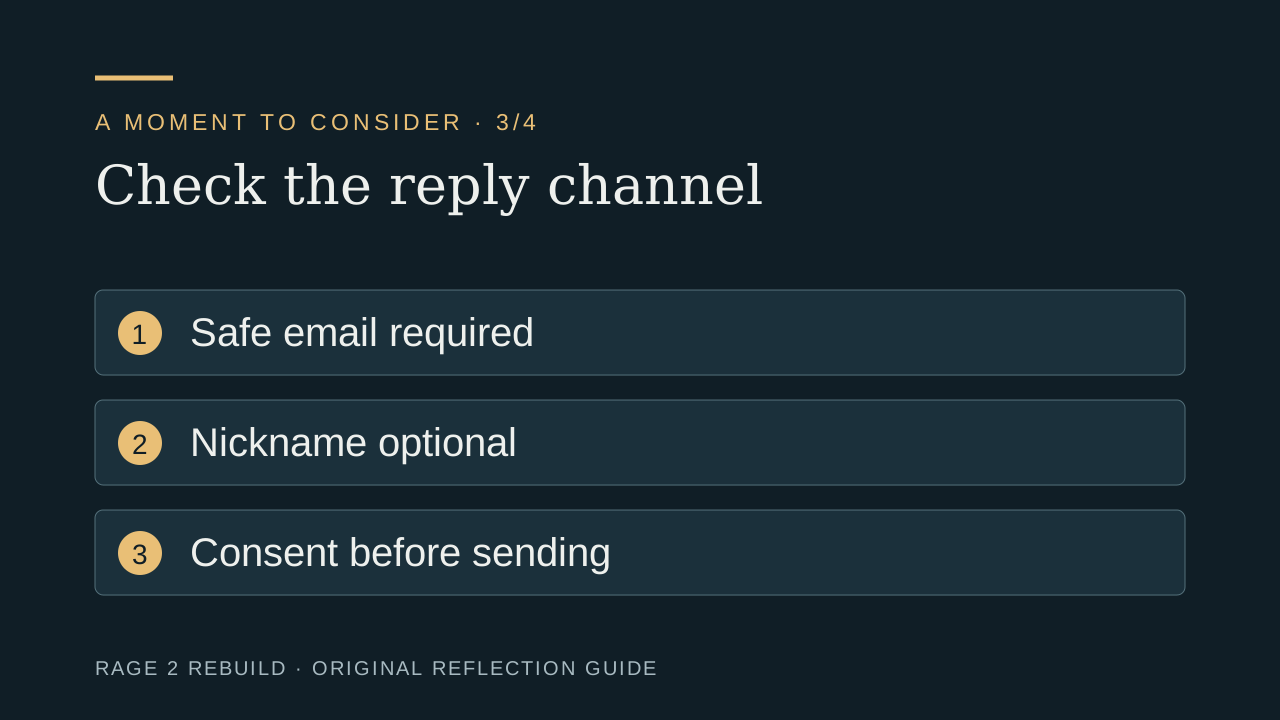
Decision
The form is not monitored as an emergency service.
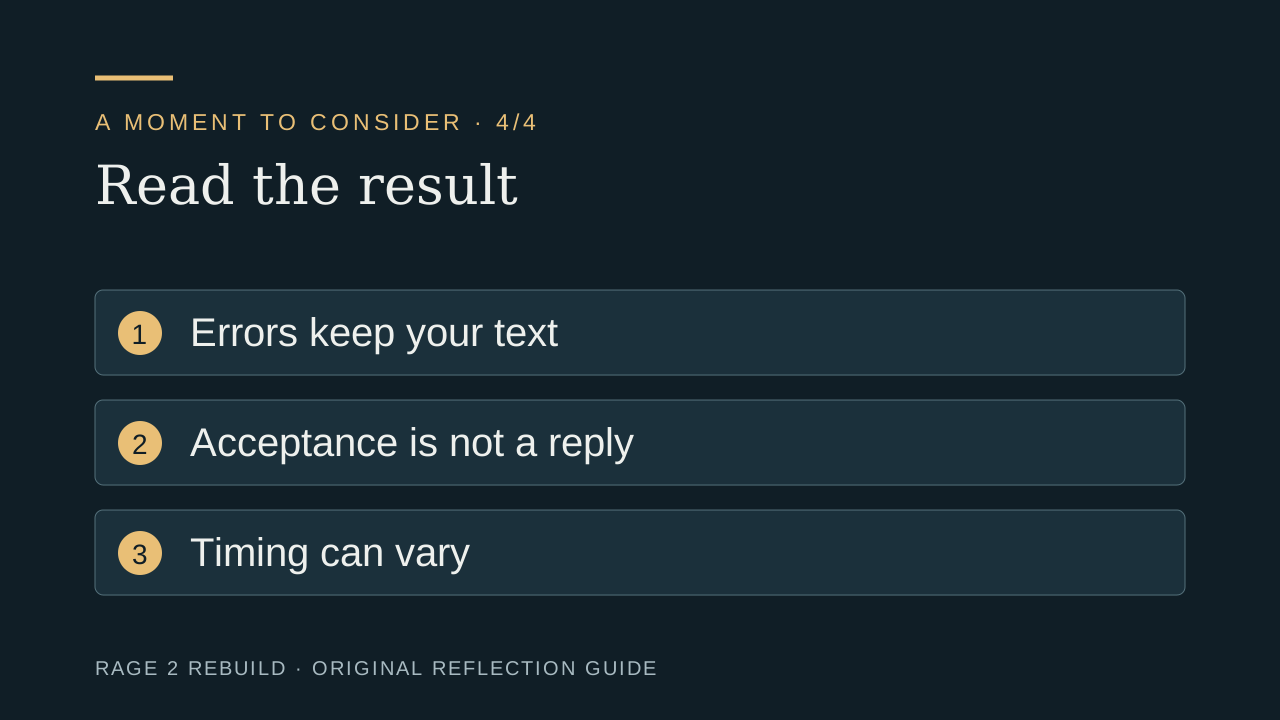
Action
A final privacy and scope check.
Browser-only planning tool
Keep the first message narrow. More context can be requested later if it is genuinely needed.
Original page video
A useful first message is not your whole history. It is the decision you need help sorting.
Synthetic narration and original editorial graphics. No client, therapist, religious group, or documented event is depicted.
Private check-in
Nothing is submitted. This page does not invent vote counts or claim that other visitors answered.
Readiness tool
0 of 4 foundations in place
Choose the statements that are already true for you.
This planning aid is not a safety, legal, medical, or clinical assessment.
Named sources
Federal Trade Commission
Business guidance used to explain data minimization and honest privacy representations.
National Institute of Mental Health
Official U.S. guidance on finding care and responding to immediate danger.
SAMHSA
Official U.S. treatment and support routes; local availability and eligibility must be confirmed.
Editorial review: August 1, 2026. Hours, laws, credentials, costs, services, and availability can change; verify them directly.